



Find greater depth
Explore the context, ask questions and look up the meaning of words in the original languages.
MADE FOR THOSE WHO PREACH THE WORD
Study Scripture, write with AI support and turn your sermon into slides. From the first question to the presentation, prepare it all in one place.
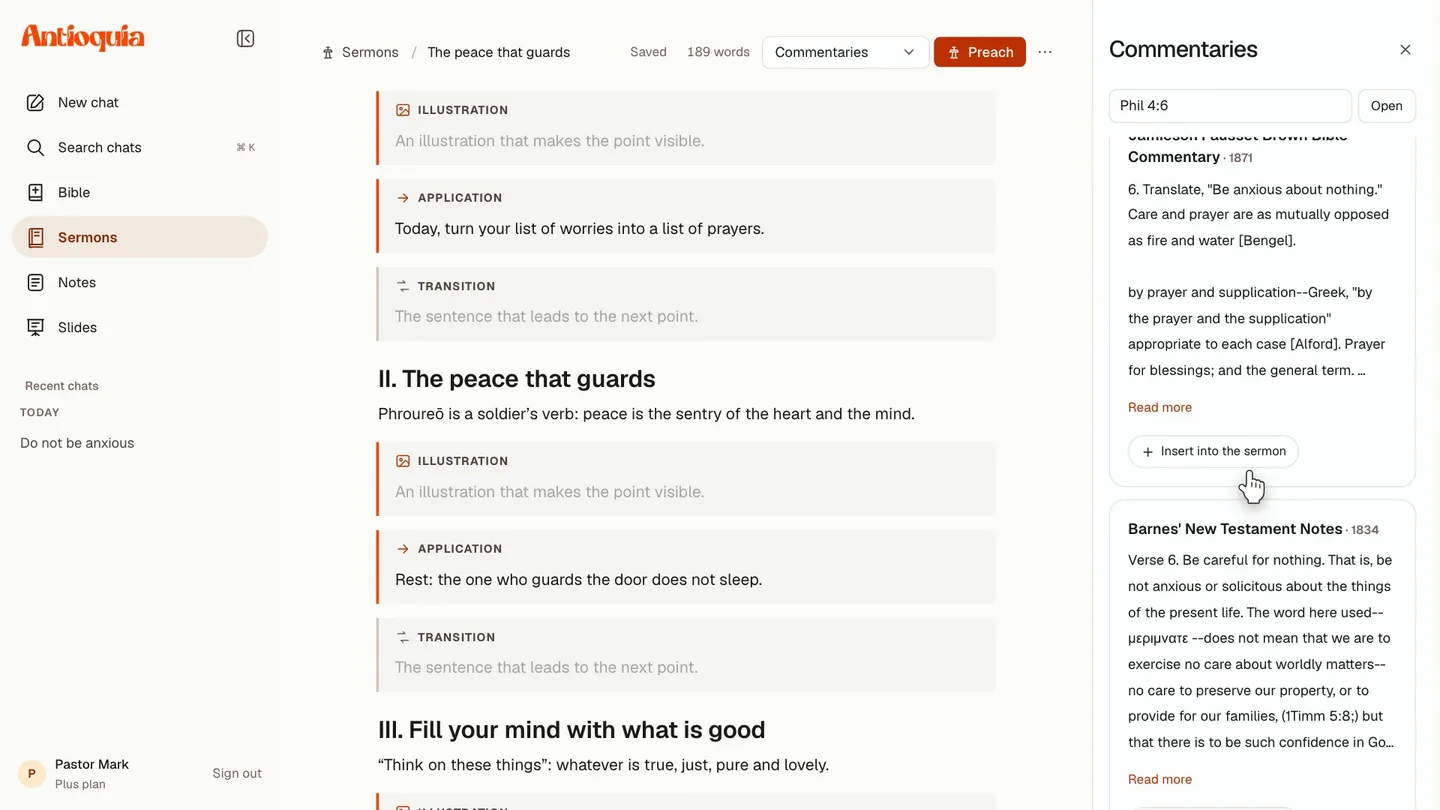
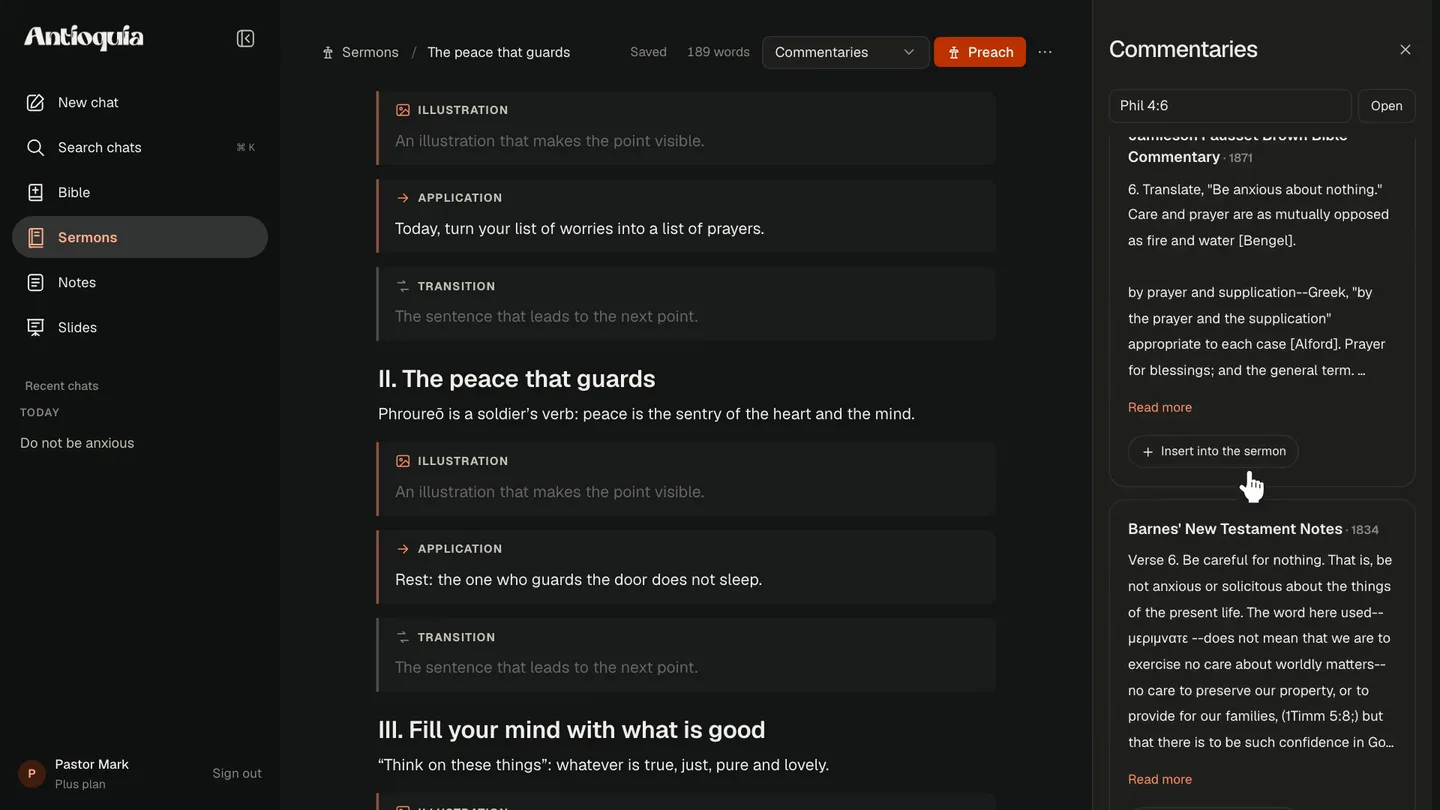
Meet Antioquia in 1 minute
MEET THE PRODUCTS
From the passage that catches your attention to the words you will share. Explore what each tool can bring to your preparation.
AI FOR THOSE WHO PREACH
Investigate context, connect passages and develop your thinking through conversation. AI supports your study. You guide the message.
Explore AI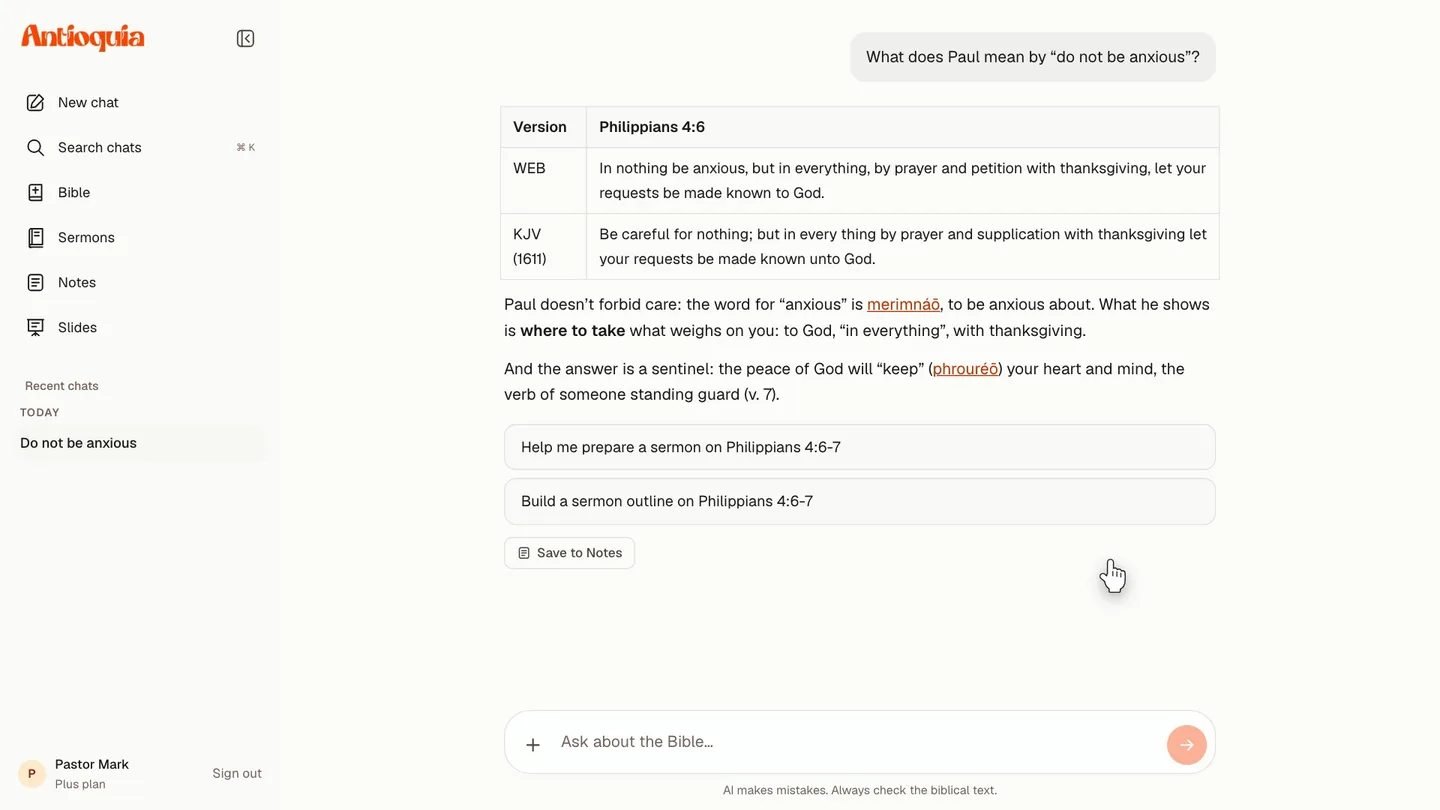
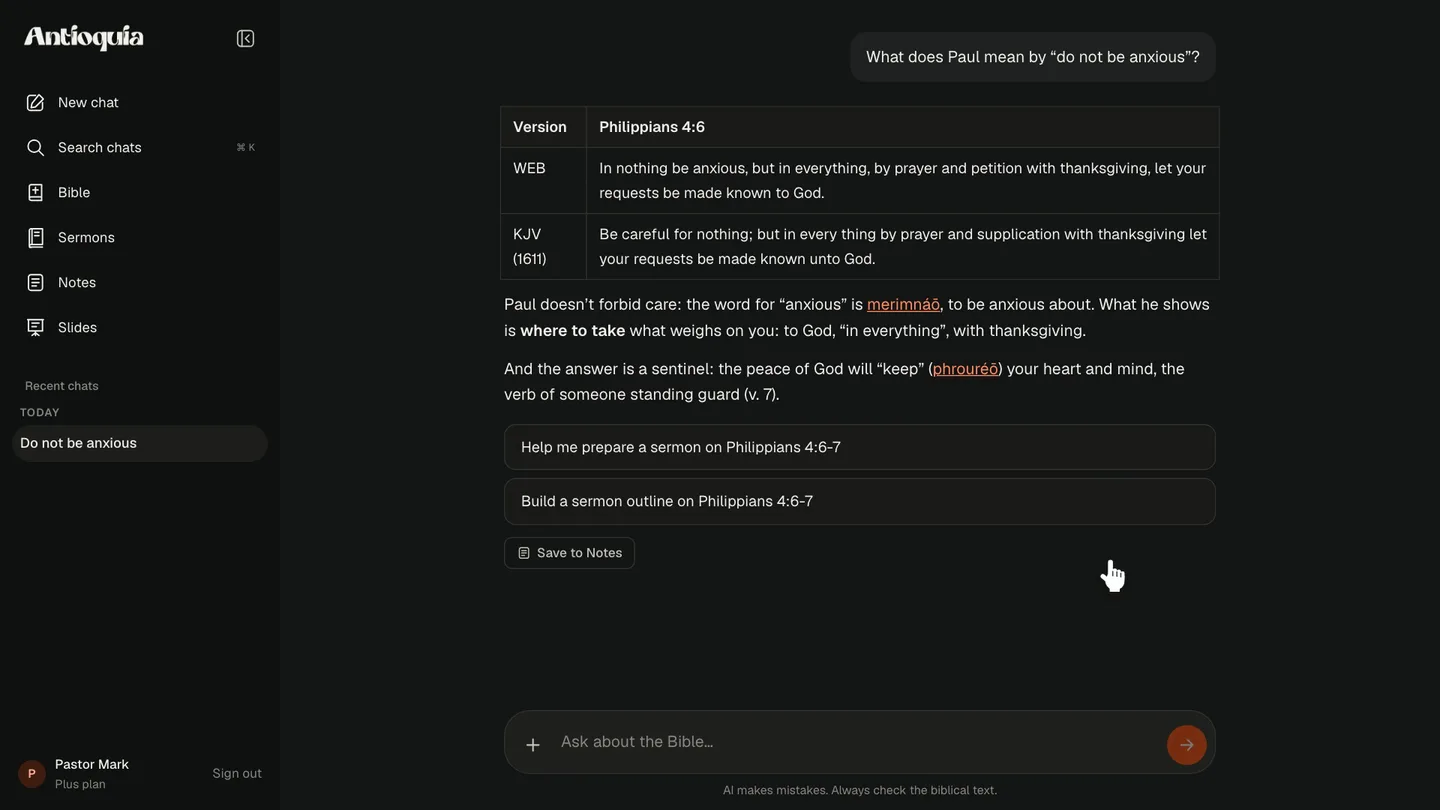
Return to Scripture and examine the passages cited in each response.
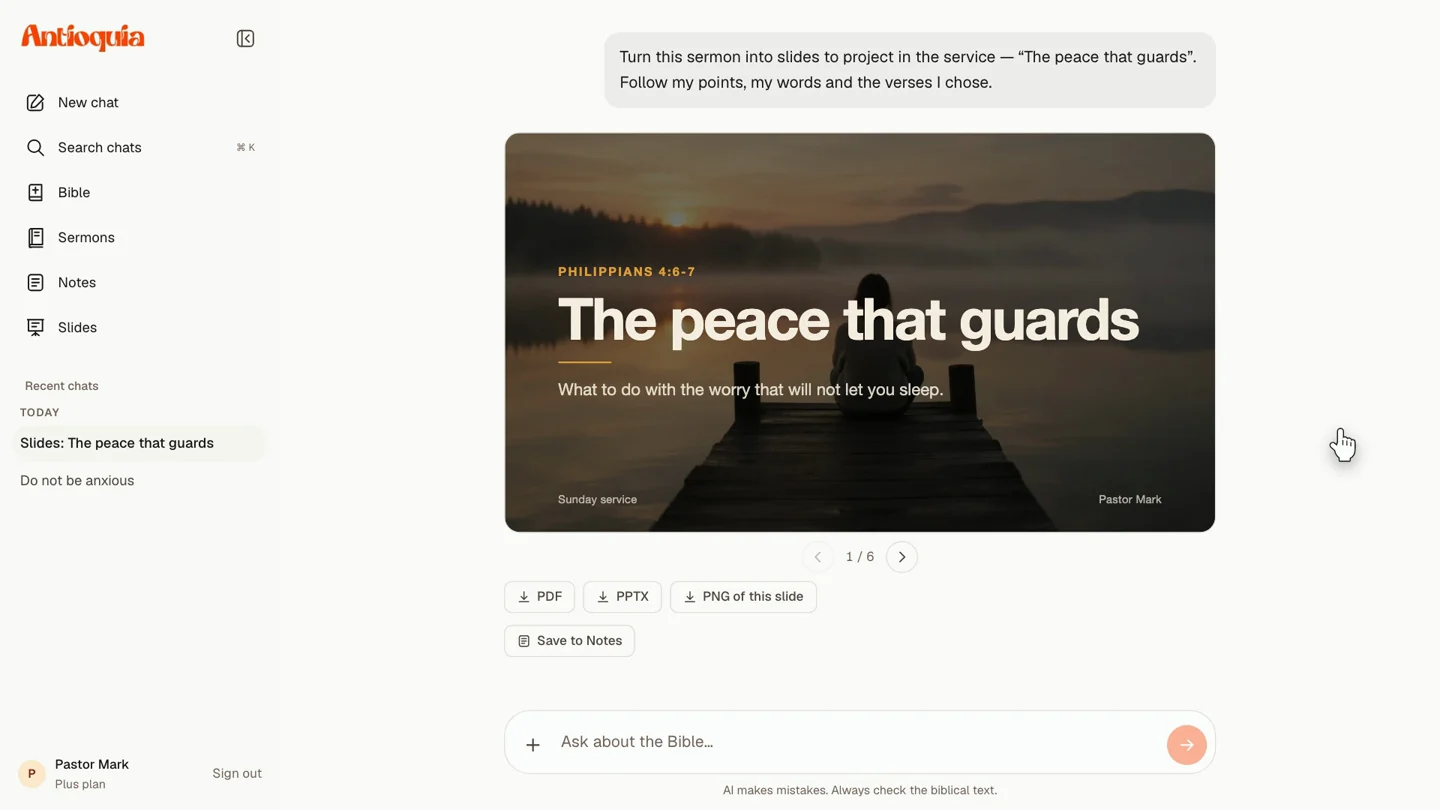
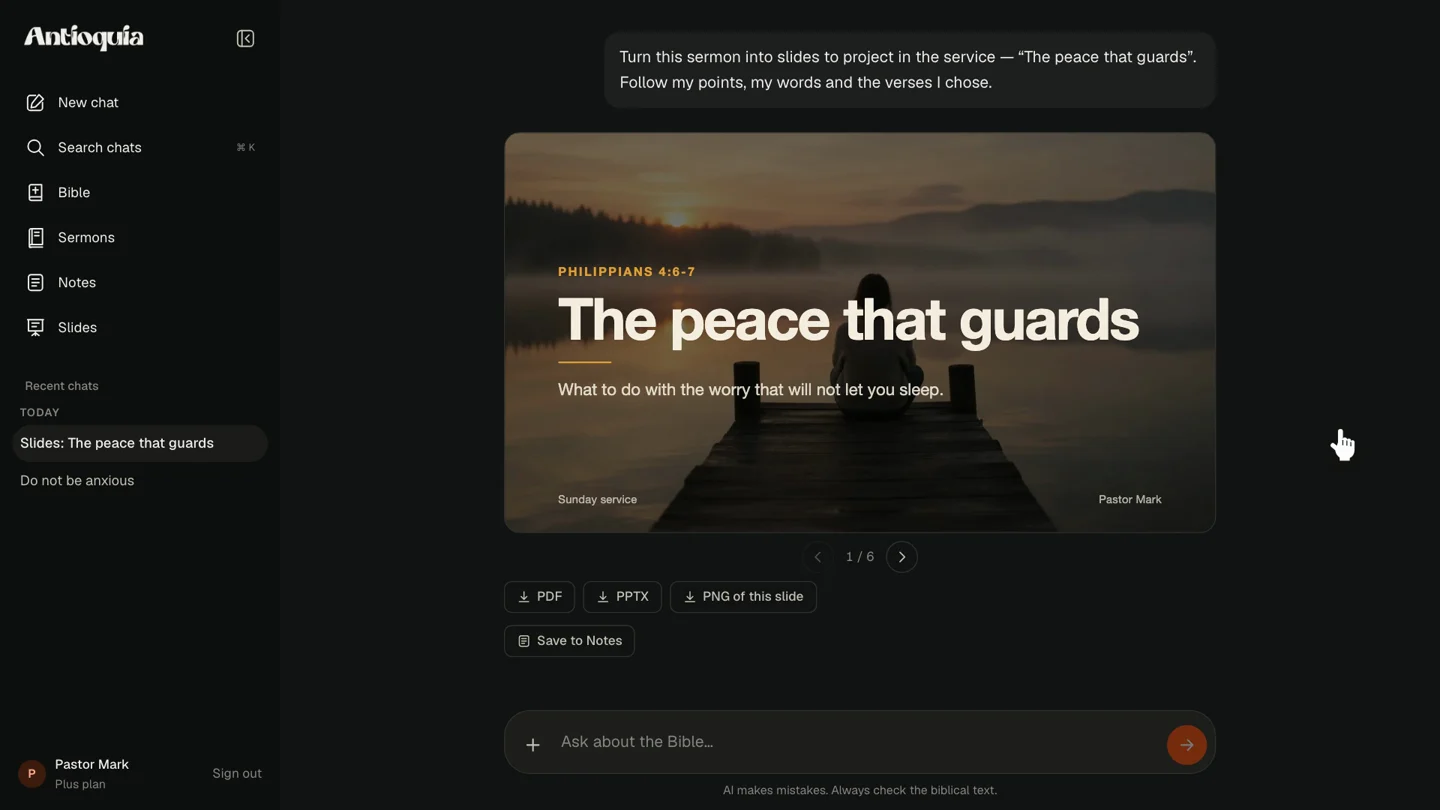
Develop outlines, studies and slides from what you want to communicate.
Return to your conversations and pick up where the last question took you.
YOUR STUDY, YOUR WRITING, YOUR MESSAGE
Scripture in one place, notes in another, an outline somewhere else. Bring your preparation together and follow your ideas without losing your place.
Explore the context, ask questions and look up the meaning of words in the original languages.
Turn your discoveries into a message with a clear opening, development and application.
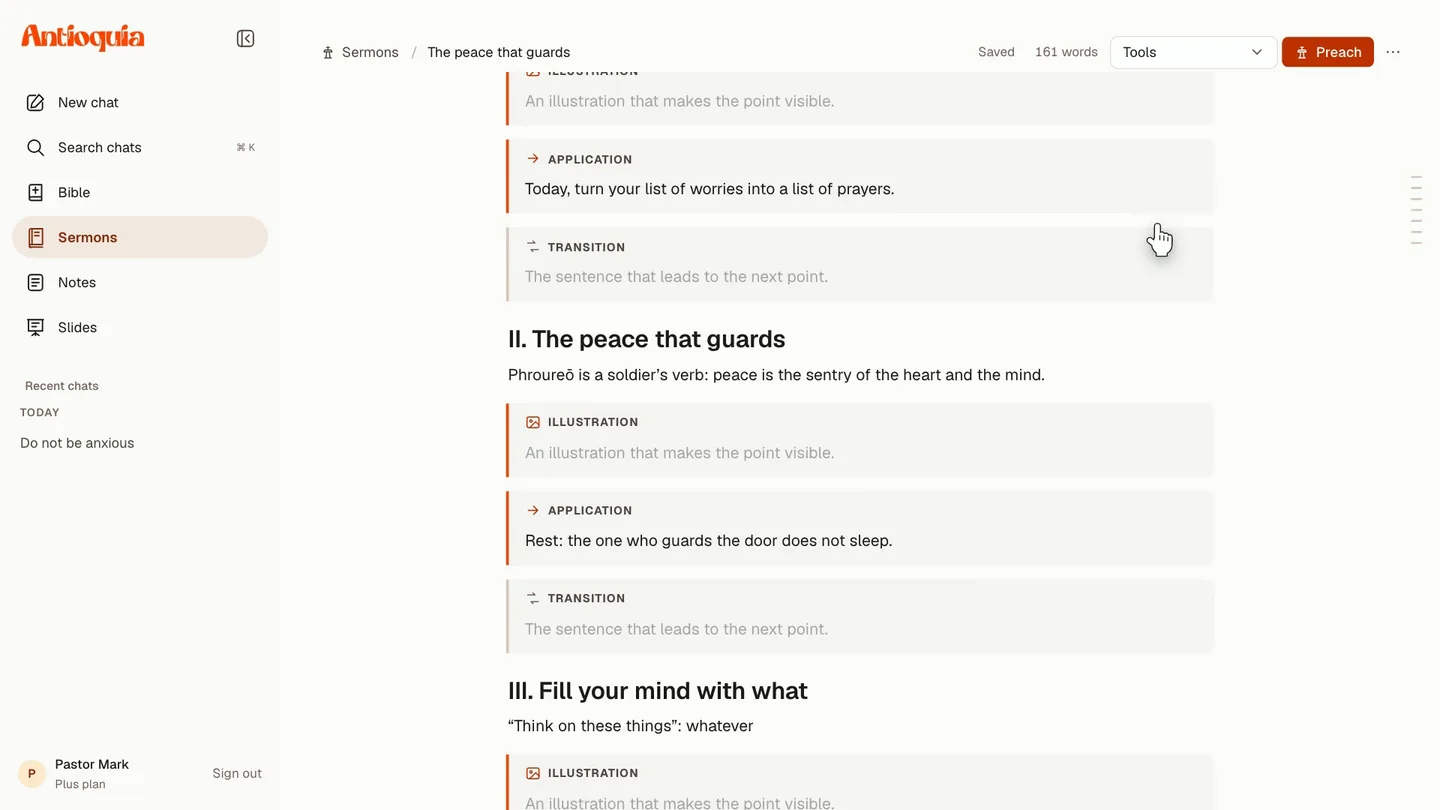
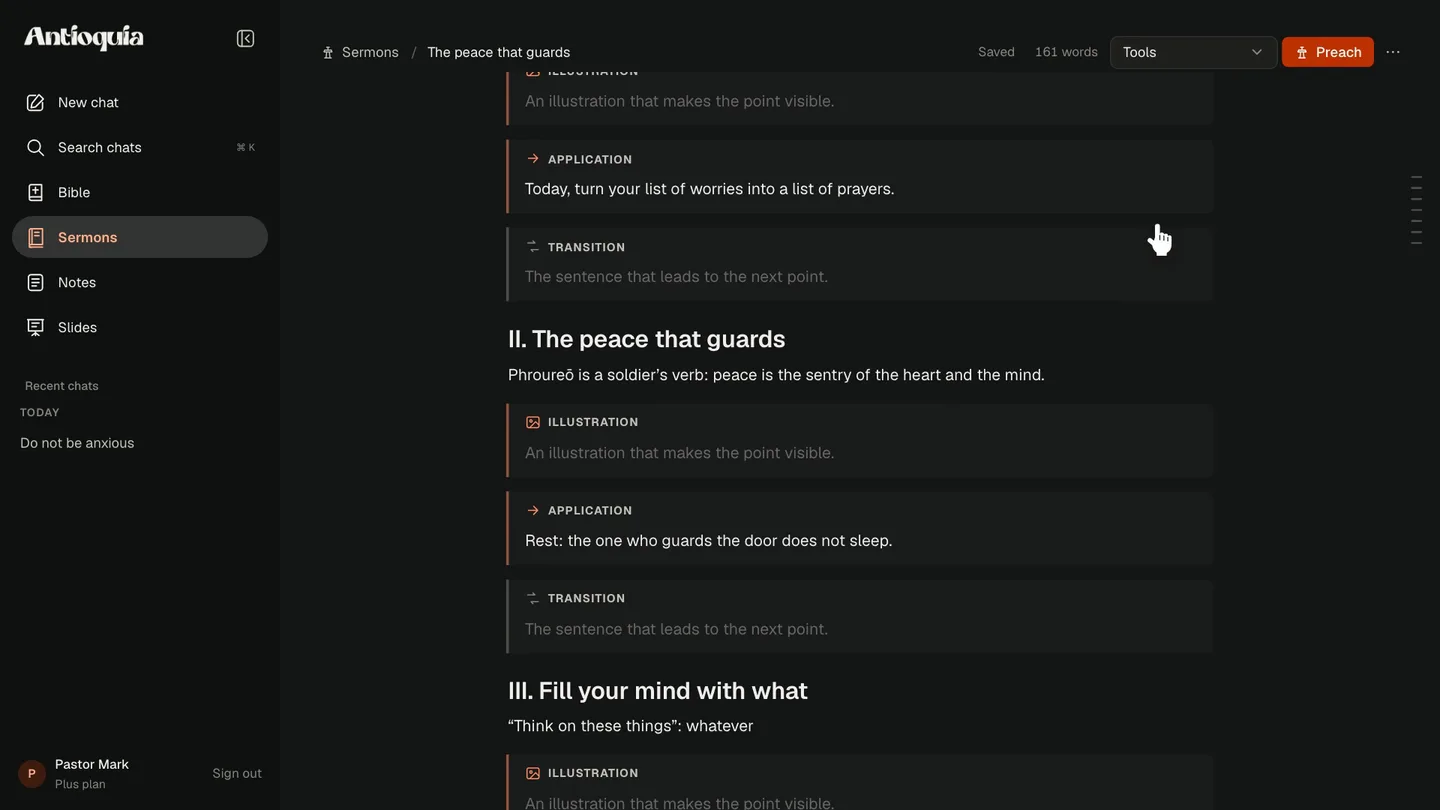
Open pulpit mode, print your message or create slides from what you have written.
FROM STUDY TO PULPIT
A good sermon begins before the first sentence. Give each part of your preparation the space it deserves.

Read the passage closely. Explore its context and the meaning of its words before building your message.
Philippians 4:6–7. What does this passage reveal about the peace of God?

Explore an idea with AI, connect other passages and return to Scripture to check each discovery.
How does the peace in Philippians 4 relate to John 14:27?

Gather your discoveries, arrange your points and refine the application. When you are ready, open pulpit mode.
One central idea. A clear structure. An application for your church.
Your study brings depth. Your voice brings the message to life.
Prepare my next messageSTART WITH WHAT YOU NEED
Get to know the tools at your own pace. Expand your AI usage when it makes sense for your preparation.
TO GET STARTED
Your space to study and write.
TO GO DEEPER
More room to prepare with AI.
AI features have limits based on your plan. Check pricing, availability and terms in the Android app before subscribing.
No. AI and the sermon editor work in your browser. Create an account and get started on your computer. You can read the online Bible without an account. There is also an Android app with its own features for taking your studies with you.
Yes. You can read the Bible, look up Strong’s, write sermons and take notes for free. AI features have usage limits; Go and Plus plans expand those limits.
You can ask for help with questions, ideas, outlines and slides. The goal is to support your study and writing. Check the references, review suggestions and develop your message with your own discernment and words.
Start from scratch or a template, organize your writing in blocks, insert verses, highlight applications and consult study tools beside your message. Then use pulpit mode with its timer, or print and save as a PDF.
Yes. Choose “Slides for the service” in the editor to send your sermon to AI and turn it into a presentation in minutes. Review the result, present in fullscreen or export as PDF, PowerPoint and PNG. Generation uses your plan’s AI allowance.
The site offers the King James Version in English and Bíblia Livre in Portuguese, along with Strong’s dictionary for exploring Hebrew and Greek words. You can also consult passages while writing in the editor.
Yes. Sign in with the same Antioquia account. Synced conversations and notes are available on the website and Android. The sermon editor is a website feature.
Open Scripture. Ask your first question. Make room for your next idea.
Get started for freeIn your browser. At your pace.